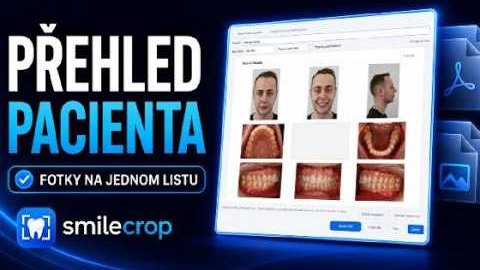
Every photo of a patient on one A4 page — to print, to file, or to send.
The recording is narrated in Czech and the on-screen app is in Czech. The written guide below covers the same ground in English and is the primary version here — an English recording is planned.
The player is loaded from YouTube (Google Ireland Ltd.) only after you click. Nothing is sent to Google before that. Once you click, Google receives your IP address, your device and browser data, and may write its own storage to your browser. Details in the cookie policy.
 2:01
2:01
Stops further loading; what has already been sent cannot be recalled. Open on YouTube (opens YouTube, so Google sees the visit) Video not appearing? Some clinic networks block YouTube — use the link beside this, or read the written guide below.
The contact sheet is started with the button next to the pencil. You pick a patient folder and the app takes every photo in it.
You get all of the patient's photos on a single A4 page. They are ordered by your capture order rather than by file name, so the sheet reads the same way the series does at the chair.
The heading and the page layout can both be adapted to the way your practice uses these sheets.
Photos can be moved around the sheet, so the final arrangement shows what you want it to. Portrait shots are fitted into their cell whole and are never distorted.
The finished sheet is saved as a PDF, as a JPG, or sent straight to the printer.